Photoshop Classes Website Design
Photoshop Classes Website Design That Brings More Enrolments
Show your beginner to advanced Photoshop batches, project work and class timings, and receive enrolment enquiries on WhatsApp with a professional Photoshop classes website built for mobile phones.
- Mobile-friendly design
- WhatsApp enquiries
- Lifetime support included
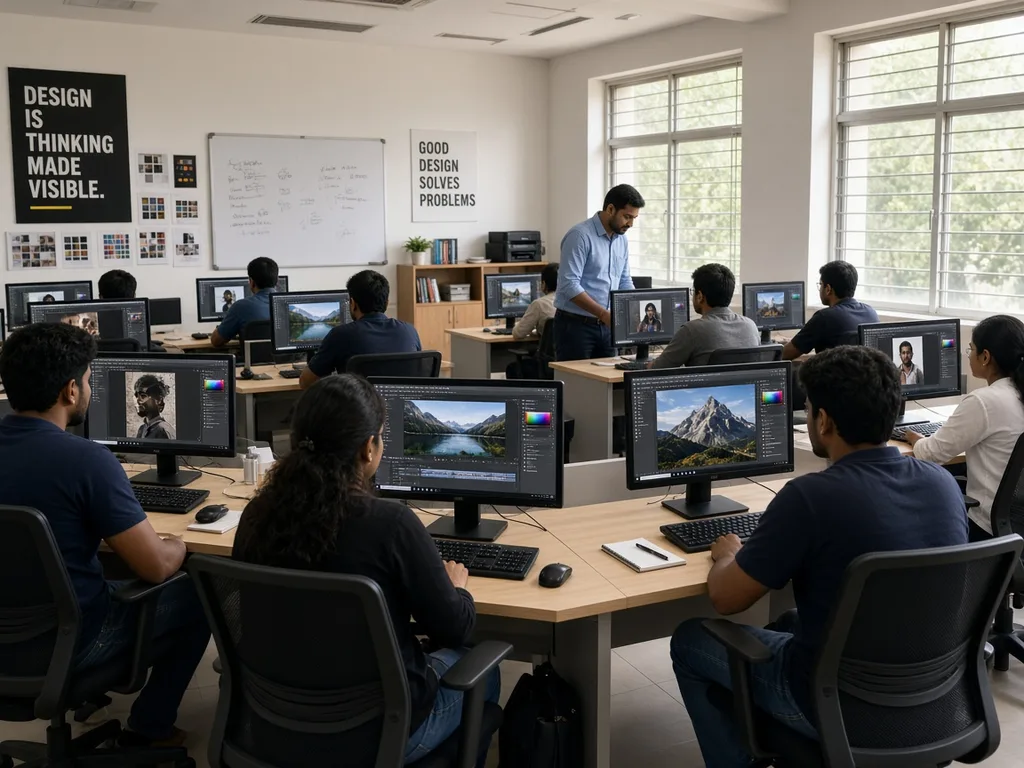
Website Features
Everything Your Photoshop Classes Website Needs
We plan every page around how students choose Photoshop classes: clear batches, project proof, classroom confidence and a quick way to enquire on WhatsApp.
-
Batch & Course Lists
Beginner, retouching, compositing, social media creatives and certificate batches organised clearly, with notes you can update.
-
WhatsApp Enrolment Enquiries
Students tap to send skill level, preferred batch and demo request with a ready-made message. You confirm.
-
Student Work Gallery
Before-after edits, posters and portfolio pieces help learners see what they can create in your classes.
-
Tools & Topics Covered
Layers, masks, retouching, colour correction, mockups and export workflows listed in plain language.
-
Trainer Profile
Introduce your teaching style, software versions you teach and project support so first-time students feel confident.
-
Fee Guidance
Share “starts from” notes you approve for short courses or full programmes, without locking confusing fixed quotes.
-
Demo Enquiry Forms
Students share level, preferred timing and demo day. You confirm by phone or WhatsApp.
-
Lab Location & Hours
Your address, weekday and weekend batches, online options and a click-to-call number.
Want online fee payment, student portals or certificate download areas? Those extras are built on a custom quote.
Website Demo
See What Your Photoshop Classes Website Could Look Like
A sample design for a fictional Photoshop training centre, shown on a laptop and a phone. Your website is built around your own batches, photos and brand colours.
Sample preview · Fictional Photoshop class centre
Beginner · Retouching · Advanced
Learn Photoshop. Project by Project.
Hands-on Adobe Photoshop batches with clear timings and quick WhatsApp demo enquiries.
Popular Batches
- Beginner Photoshop1 month
- Photo RetouchingWeekend
- Advanced CompositingListed
- 1-to-1 coachingOn request
Our Classes
Lab & Project Gallery
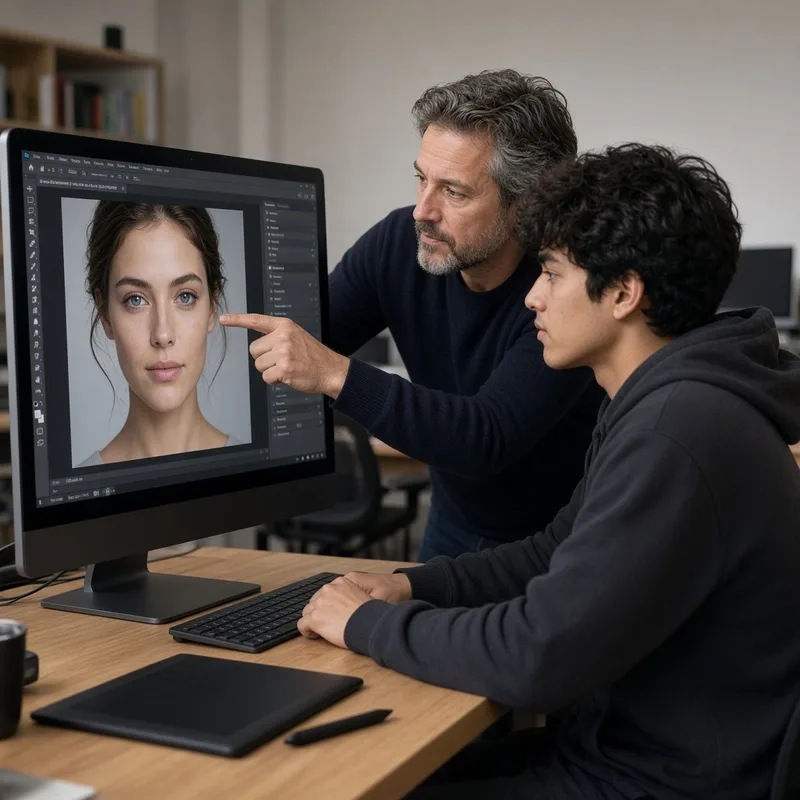
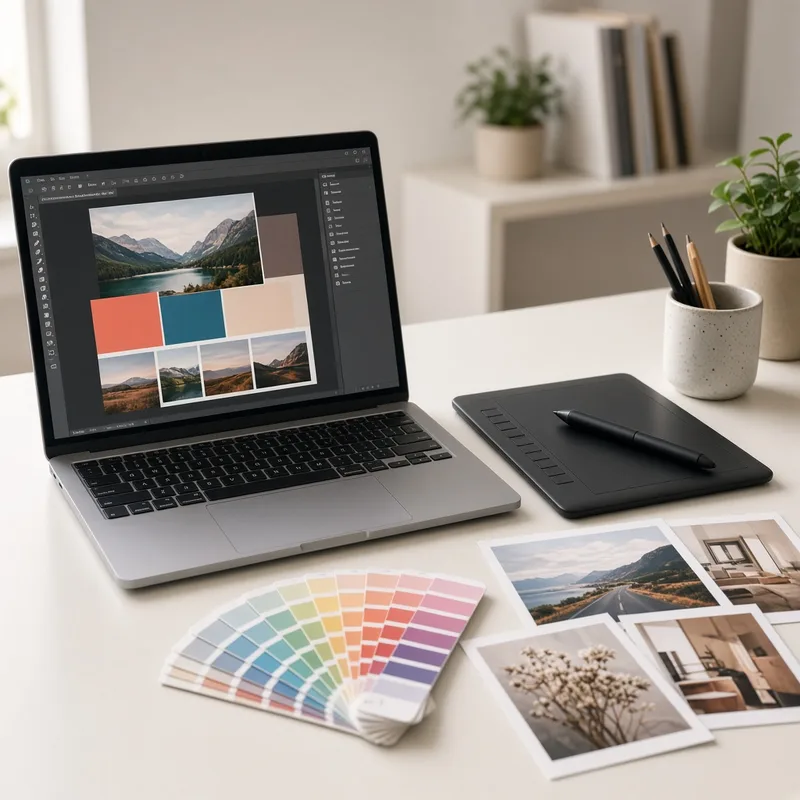
Student Feedback
-
“Batch timings were clear online, and WhatsApp made booking a beginner demo simple before we visited.”
Sample review -
“Project gallery and fee notes helped us choose without chasing the trainer phone.”
Sample review
Visit Our Lab
Sample Design Road · Near Sample Landmark
Class hours listed on the website
This is a design preview with sample content for a fictional Photoshop class centre. Buttons inside the preview are for display only.
Before they join another design centre
One Unanswered Question About Batch Or Demo Can Lose The Enrolment
A student has already shortlisted you. Then they ask if a beginner batch is open this month, whether a weekend demo is available, or what the fee starts from. Nobody wants to chase the lab phone during peak hours. The next message is another institute. Your website can answer that one student from your real batches, before they enrol elsewhere.
-
The hesitation comes from one visitor
The enrolment is almost decided. The person who asks about batch timing, demo day or fee range is who you still have to convince.
-
Answered from your batches, not a guess
Beginner, retouching and advanced. The reply uses your real schedule. It does not invent a batch you do not run.
-
It answers while they are deciding
Students decide during a short window on their phone. They will not wait for a missed call callback.
-
A demo seat is still yours to confirm
The website does not lock class seats online for you. You confirm demos, batches and fees with the student.
Call for a few minutes. We will play the question that usually kills a Photoshop class enquiry. You will hear that one objection answered before anyone names another centre. No technical talk, and no obligation.
Mon - Sun: 7:00 AM - 10:00 PM
-
Student
Looking for beginner Photoshop classes. Do you have a weekend batch, and can we book a demo?
-
Your website
Yes. Beginner weekend batches are listed. Share preferred demo time on WhatsApp. Seat is arranged after the centre confirms.
-
Student
Also checking fee starts from and if photo retouching is included.
-
Your website
Share your need. The centre will confirm course notes and fees on WhatsApp. Enrolment is confirmed only after the demo.
A fictional example. Your website uses your own batches, timings and lab details. Demo seats are confirmed only by your team.
Why It Matters
Why Do Your Photoshop Classes Need a Website?
Students search for Photoshop classes, photo editing courses and graphic design training on their phones. A clear website with batches, project photos and WhatsApp enquiries helps them choose you before another centre.
-
Get Found by Local Learners
A search-friendly website helps people looking for Photoshop classes near them find you.
-
Show Batches Anytime
Students can check beginner, retouching and advanced batch notes before they call you.
-
Take Enrolment Enquiries Fast
WhatsApp and forms make it easy for learners to request a demo or batch seat.
-
Show Real Student Work
A project gallery builds trust beyond social media posts alone.
-
Look More Professional
A polished site reassures parents and working professionals comparing institutes.
-
Easy to Browse on Mobile
Batches, fees and enquiry buttons work smoothly on phones.
Pricing
Photoshop Classes Website Cost: Plans & Pricing
Clear yearly pricing from our website plans. Most Photoshop centres choose the Dynamic Website plan for its course pages, gallery and enquiry forms.
-
Static Website
Ideal for individuals, freelancers and small businesses that need a simple online presence.
₹5,000 / year
Renewal @ ₹3,500 / year
For smaller tutors who need a simple 3-page website: Home, About and Contact.
- 3 Pages (Home, About, Contact)
- Mobile Responsive
- Basic SEO Setup
- Lifetime Support
- SSL Certificate
- Content Protection
- Social Media Integration
- Call to Action Button
- WhatsApp Chat
- Location Integration
- Google Business Account
- Online Booking
- Domain - FREE on Renewal
- Hosting - FREE on Renewal
- 1 Business Email
Payment Terms: 50% Upfront, 50% Upon Approval
-
Best for Photoshop Classes
Dynamic Website
Best for growing businesses that want to update their own content.
₹13,000 / year
Renewal @ ₹5,000 / year
Recommended for most Photoshop class centres: courses, project gallery and enquiry forms.
- Up to 10 Pages (Dynamic)
- Content Management System
- Mobile Responsive
- Advanced SEO Setup
- Lifetime Support
- SSL Certificate
- Content Protection
- Social Media Integration
- Call to Action Button
- WhatsApp Chat
- Location Integration
- Google Business Account
- Online Booking
- Domain - FREE on Renewal
- Hosting - FREE on Renewal
- Up to 5 Business Emails
- CDN - Fast Loading
-
 Google Sign-In
Payment Terms: 50% Upfront, 50% Upon Approval
-
Premium Website
For advanced websites that need more pages, a database and AI features.
₹26,000 / year
Renewal @ ₹8,000 / year
For larger institutes that need up to 25 pages, and a website that answers the student who can stop an enrolment.
- Everything in Dynamic Website, plus:
- Up to 25 Pages (Dynamic)
- Database Support
- Answers the student who asks about batch, demo or fee range
Payment Terms: 50% Upfront, 50% Upon Approval
-
Custom Website
For enterprise level and custom requirements.
Custom Quote
For multi-branch institutes, student portals or online fee payment systems.
- Everything in Premium Website, plus:
- Tailored to Your Requirements
- Android & iOS Mobile Apps
- Third Party Integrations
- Google Business Account
- Online Booking
- Scalable & Secure
- Dedicated Support
Payment Terms: 50% Upfront, 50% Upon Approval
Prices are per year. The yearly renewal keeps your website online with domain, hosting, SSL, security updates, backups and support.
Our Process
How We Build Your Photoshop Classes Website
A simple four-step process that fits around your teaching schedule.
-
Step 1: Discuss Your Requirements
We learn about your courses, batches, projects and the look you want.
-
Step 2: Design Your Website
We design your pages with your lab photos, student work and brand colours, and share a preview.
-
Step 3: Development & Testing
We build the website and test it on phones, tablets and computers.
-
Step 4: Launch & Support
Your website goes live, and we stay available for batch updates and help.
Technology & Platforms
Our Supporting Partners
Proven technologies and platforms we use to build fast, secure and scalable websites and mobile apps.
- React
- Next.js
- AWS
- Microsoft Azure
- GoDaddy
- Swift
- Kotlin
- Flutter
- Node.js
- Google Cloud
- Firebase
- MongoDB
- MySQL
- WordPress
- Razorpay
- Cloudflare
- Figma
- TypeScript
Our Track Record
Our Work in Numbers
A simple count of our clients, the websites we have delivered, and the projects in progress.
- 30 Total clients Clients we have worked with
- 12 Static Websites A simple website for a smaller business
- 10 Dynamic Websites With an admin panel you can update yourself
- 5 Premium Website Larger websites, with up to 25 pages
- 3 Custom Quote Quoted separately for a special requirement
- 2 Ongoing Projects Being designed and built right now
FAQ
Photoshop Classes Website Questions
Honest answers about cost, features and timelines for your Photoshop classes website.
Have a different question?
Ask us on WhatsApp and we will reply during office hours.
How much does a Photoshop classes website cost?
Our plans start with the Static Website plan at ₹5,000 for the first year (₹3,500 renewal). Most Photoshop centres choose the Dynamic Website plan at ₹13,000 for the first year with a ₹5,000 yearly renewal, and the Premium plan is ₹26,000 (₹8,000 renewal). Student portals and multi-branch systems get a custom quote.
What pages should a Photoshop classes website have?
A typical site has Home, Courses, Projects / Gallery, About, Reviews and Contact. We suggest the right pages during the free consultation.
Can I update batch timings myself?
Yes. Dynamic and Premium plans include a content management system, so you can edit courses, timings and photos yourself. On the Static plan, send us your updates and we handle them for you.
Can students enquire through WhatsApp?
Yes. We add a WhatsApp button with a ready-made enrolment message, so students can request a demo or batch seat in one tap.
Will my website work on mobile phones?
Yes. Every website we build is mobile responsive, so courses, gallery and enquiry buttons display neatly on phones, tablets and computers.
How long does it take to build the website?
Static and Dynamic websites usually go live within 5 days after we receive your content and photos. Premium websites usually take 2 to 4 weeks.
Do you provide website maintenance?
Yes. Every plan includes lifetime support. The yearly renewal covers domain, hosting, SSL, security updates and backups.
Free Quote
Get a Free Quote for Your Photoshop Classes Website
Share a few details about your Photoshop classes and we will suggest the right plan and pages. No obligation.
- Free consultation
- Clear price before we start
- Pay the balance after you approve
Want to visit or see our office hours? See our location.
WhatsApp is ready with your details
We opened WhatsApp in a new tab with your enquiry. Just press Send and our team will reply during office hours.
Find Us
Visit Our Office
Drop by to discuss your website or web application idea in person, see examples of our work and get a free quotation. We recommend calling ahead so we can give you our full attention.